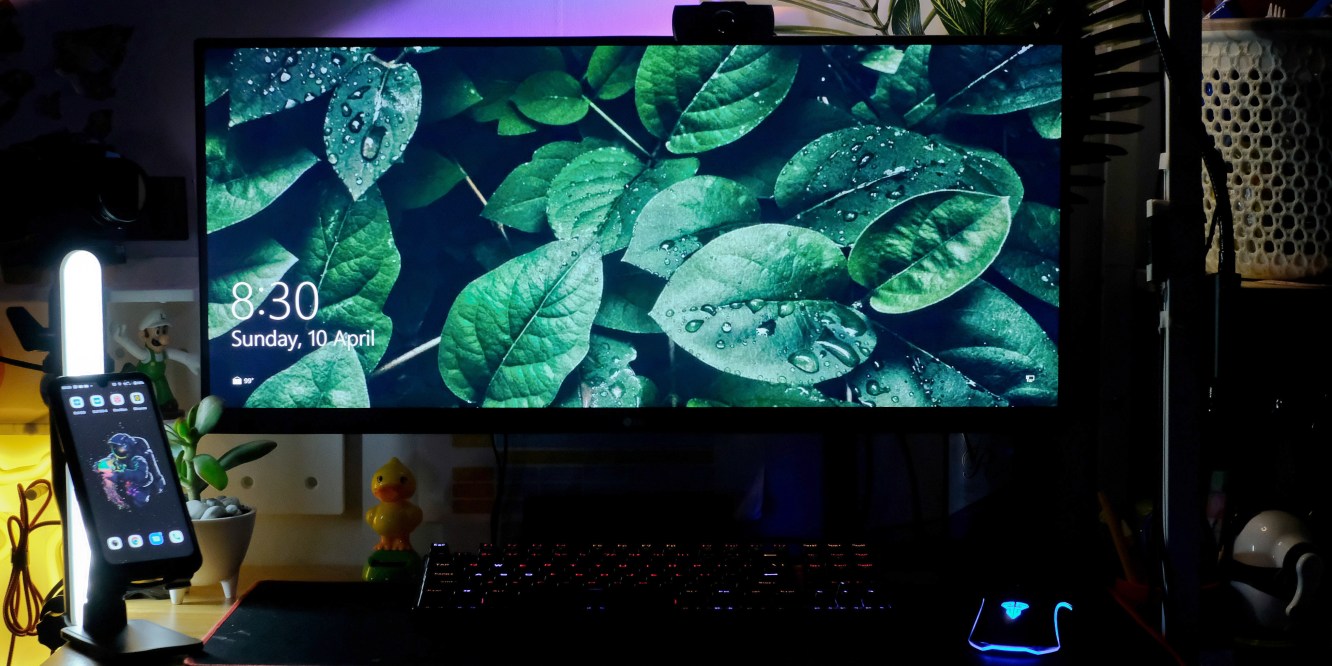
Ahh streaming… one of the many things that boomed during the pandemic. And I’m not talking about Netflix and chill, I’m talking live streaming. Usually reserved to big networks or production companies, who would have thought that sitting in your bedroom, playing your favorite games, or hosting an event online in front of your computer could actually be a thing? And not just anything, you could practically pursue it as your full-time job. Now I am no streamer or planning to pursue it long term but I’ve dabbled in a few streams myself (professionally and personally). And to be honest, it was hella fun. Live streaming could get complicated but it is worth all the learning. We all need to learn something new during the pandemic, right?
Once you get the hang of things, especially the technical parts (dealing with audio specifically), then the best part of streaming begins – setting up and acquiring gears. Yes, Yes, YES! Those of you who have read a few of my blogs, especially about my camera gears, would probably know by now that I am a gear head. But not your ordinary gear head, I consider myself a cheap gears connoisseur. Hey, everything can be done cheap in the internet era. So without further ado, let me share with you my humble streaming setup.
P.S. Not everything mentioned here can be tagged as cheap (especially the computer stuff), but I see to it that if I would have to buy something expensive is that it is the cheapest and most bang for the buck option there is. Will also provide links for each item if I can.
First up, my monitor.
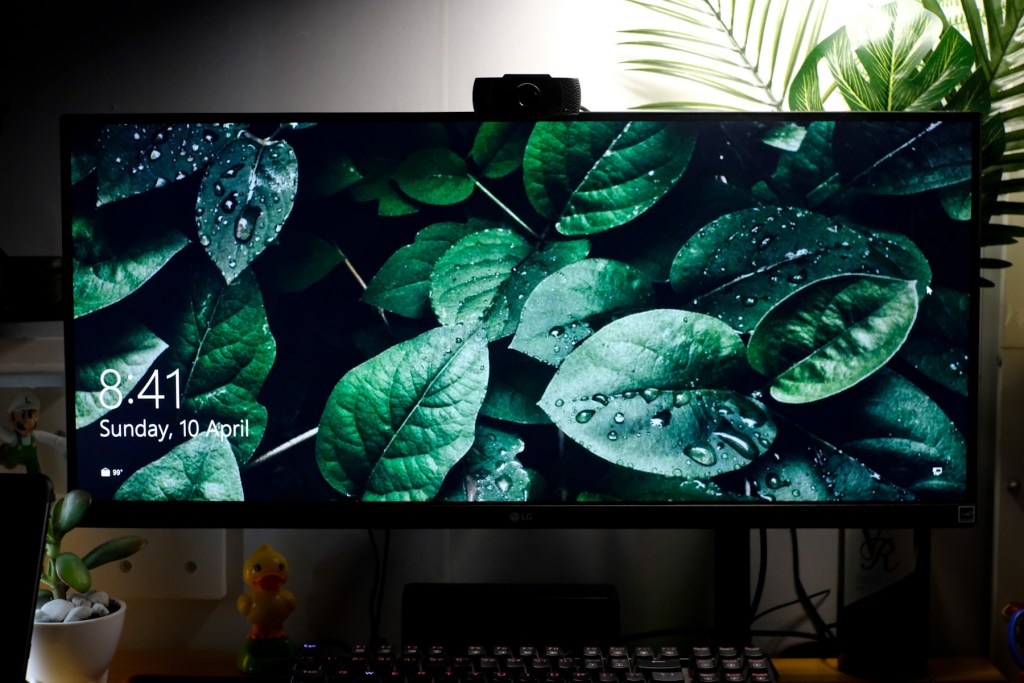
The newest addition to my PC. I was actually thinking of going dual monitor but my desk space just won’t allow me. Also, my wife needed a monitor and I just can’t pass on a deal with this monitor. So, just like what any good husband does, I handed my wife my previous 24inch monitor and bought myself this new baby! Pretty good deal, right? I don’t want to be all techy about the gears I have here but what I know is that I am having so much fun with this monitor. Of course, there are many pros and cons vs dual monitor setup but you can just do a quick google search about it.
This LG 29″ ultrawide monitor is ample for me at the moment. But if you have the resources, maybe a 32″ would be a better option. Just for quick specs, this monitor has a 65hz refresh rate and a resolution of 2560×1080. Yes, it’s not 4k nor does it have a fast refresh rate for gaming, but for the price of around Php 11,900 (on sale and voucher included), I would say that this was a very good deal. Color accuracy is not the greatest, but also not the worst. Doesn’t really bother me that much… yet. Overall, I would highly recommend looking at this monitor if you are on a hunt for a budget ultrawide screen.
Get the monitor HERE
Next, my cameras.

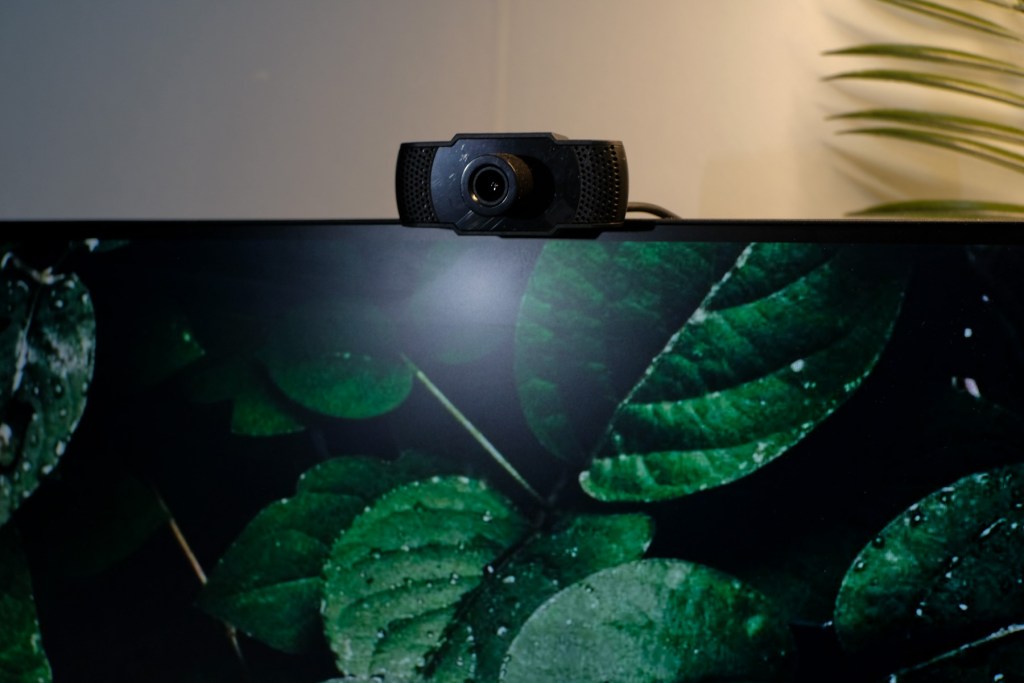
Now, what’s a pretty face if you can’t have a nice camera to capture it? Kidding aside, I practically didn’t spend anything on this department because I already own the Lumix G7 for a long time. When it comes to the webcam, it’s just a cheap sub-300 peso 720p webcam that I wouldn’t actually recommend buying, but this is good enough for emergencies. What I would recommend however is the Logitech c310 if you are looking for a nice cheap 720p webcam. Back to the Lumix, which is my main camera btw, that camera is actually used as our main video/vlog camera for the family. But when the pandemic hits, I’ve converted it to be an HD webcam. I had it mounted on my desk with a clamp to conserve space and bought a dummy battery that goes straight to a USB socket so I won’t have to worry about running out of power or charging my batteries.
Get the Logitech C310 HERE
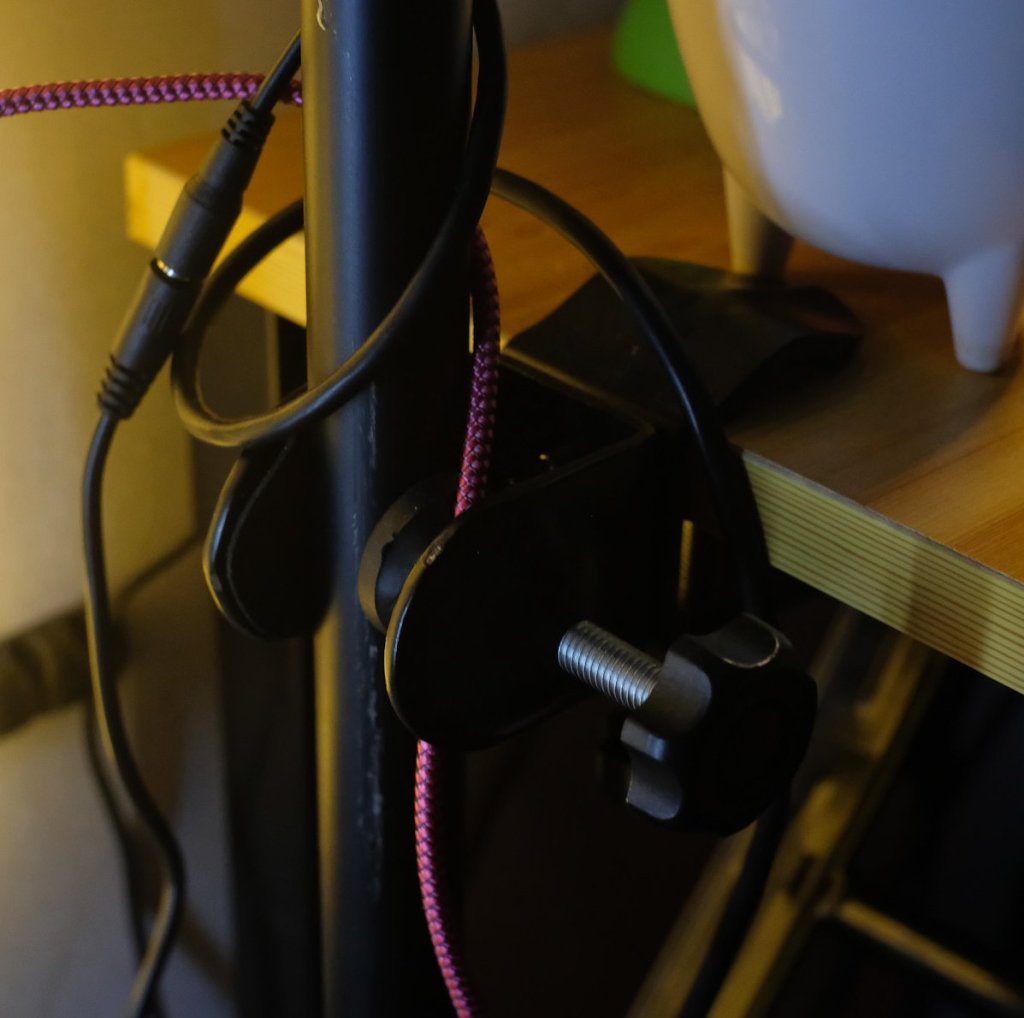
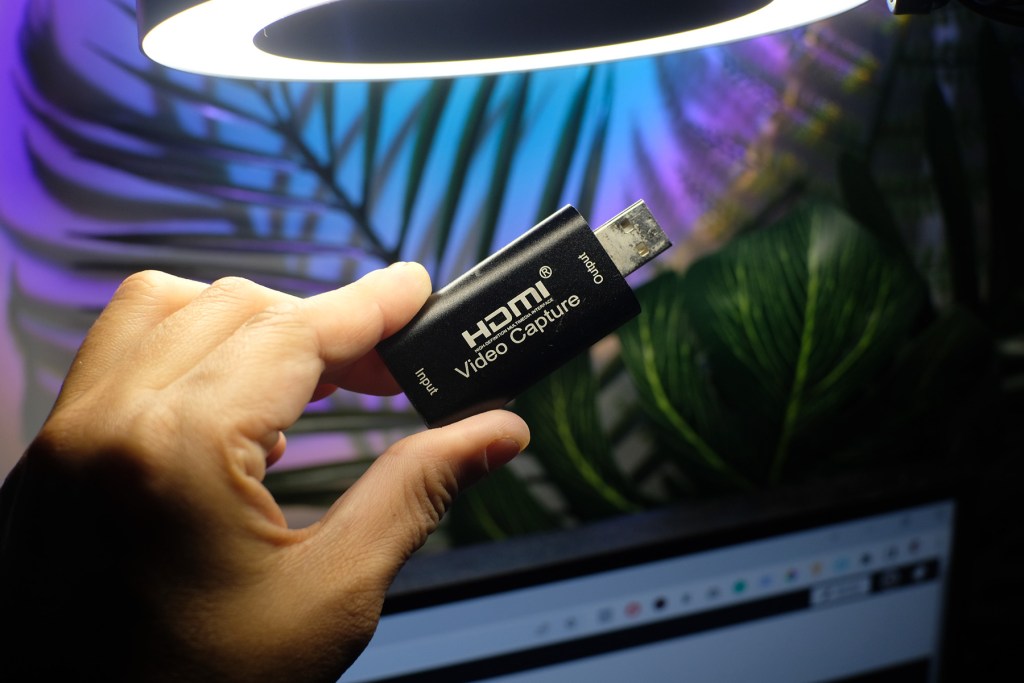
Since the camera is a bit old, it doesn’t have the ability to work as a webcam out of the box. I have to buy a capture card in order for the camera to function like that. There are a lot of capture cards in the market and some may even cost up to several thousand of pesos. Luckily, my wife found this cheap HDMI Video capture device that works very well. I think we bought this for around Php 300. Yup, Three Hundred Pesos.
Get the desk clamp HERE
Get the capture card HERE
Mic test?
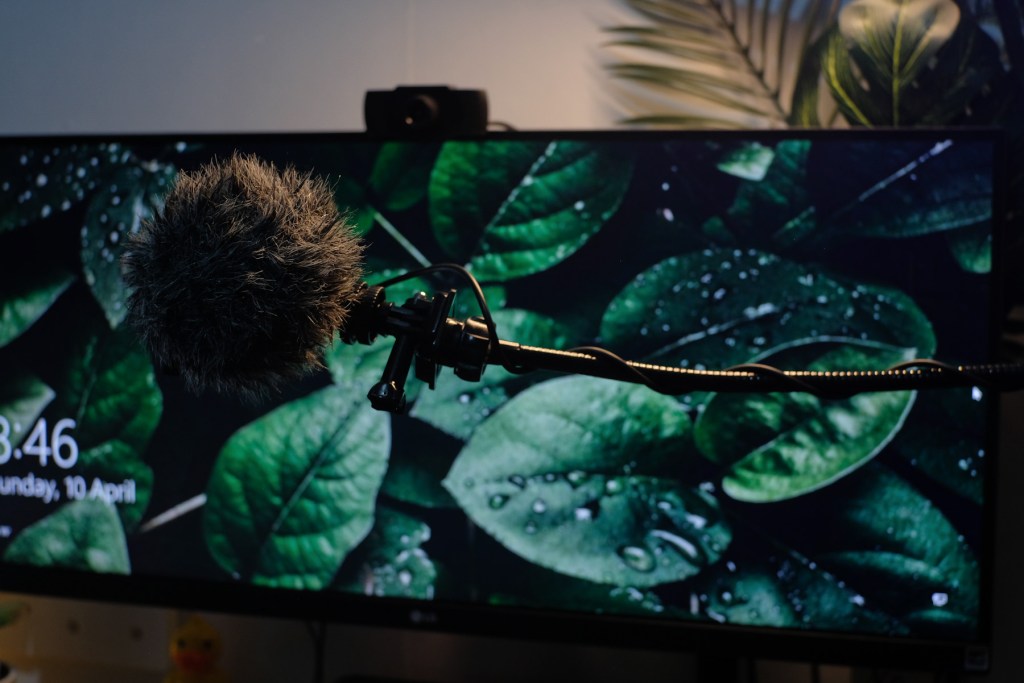
The dreaded audio. When I started streaming, one of the first realizations that hit me is that audio is a pain in the ass! A good stream or any video produced out there wouldn’t be half as good without at least a proper audio. Sound is everything, a good video is worth nothing without a decent sound. Having said that, I still went with the cheapest setup one can imagine. HAHA. For the mic, I am once again using an old purchase – a BOYA shotgun camera mic. Just like my camera, I also mounted it on a clamp and a gooseneck (for flexibility) and bought a long 3.5mm jack. No complaints so far but this is one of the things meant for an upgrade in the future. Also, an addition of a sound card and a stream deck wouldn’t hurt (cc: my wife).


Get the mic HERE
Get the clamp with gooseneck HERE
Headset and speaker
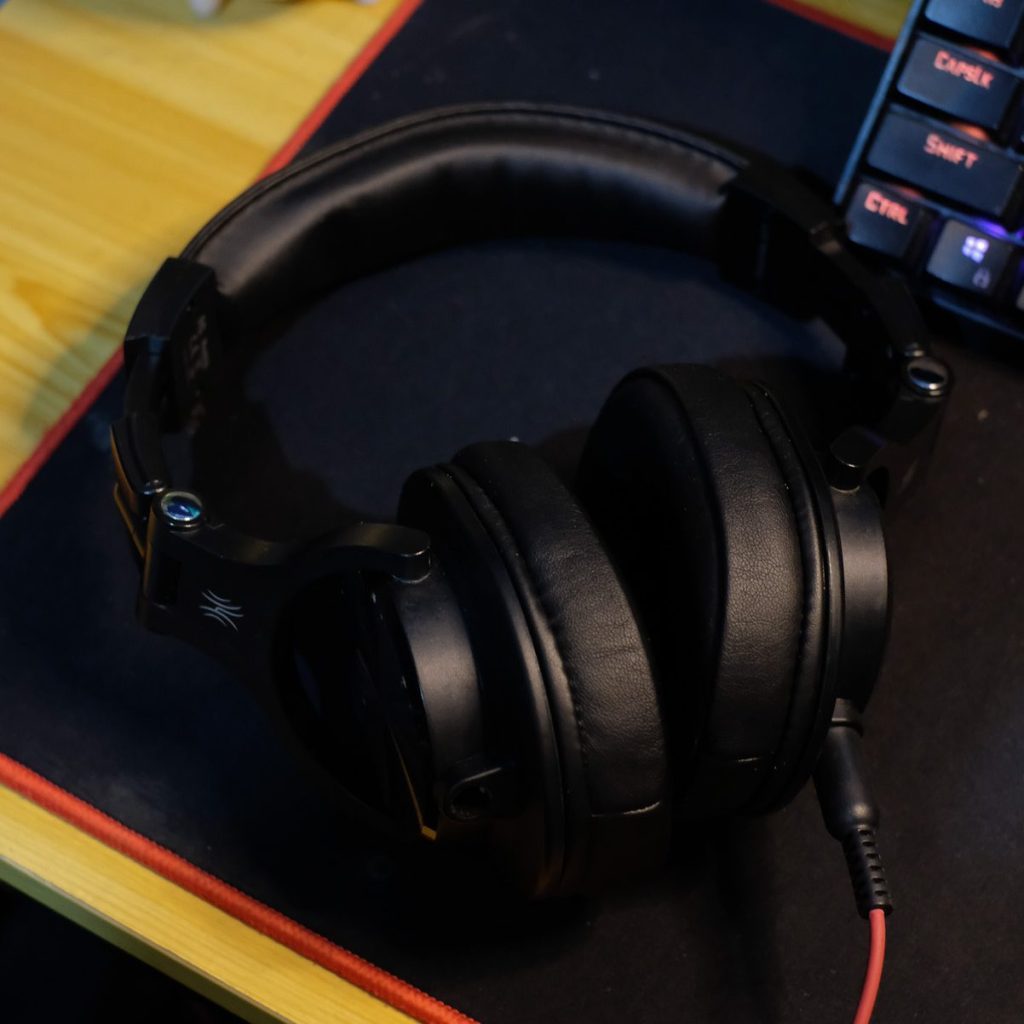
For the headset, I am using a wired Oneodio headset. It’s a Chinese brand but is worth all the Php 1,000++ that I paid for it. What I love about this headset is that you can change the cord between a 3.5mm jack and a 6.35mm jack. You also have the option of adding a headset mic or not with the 2 cords provided. The sound quality is good, especially when using the 6.35mm jack. It also doesn’t feel cheap and is comfortable to wear, but just like any other headset, it could get hot in the head when using it for a long time on a hot summer day.
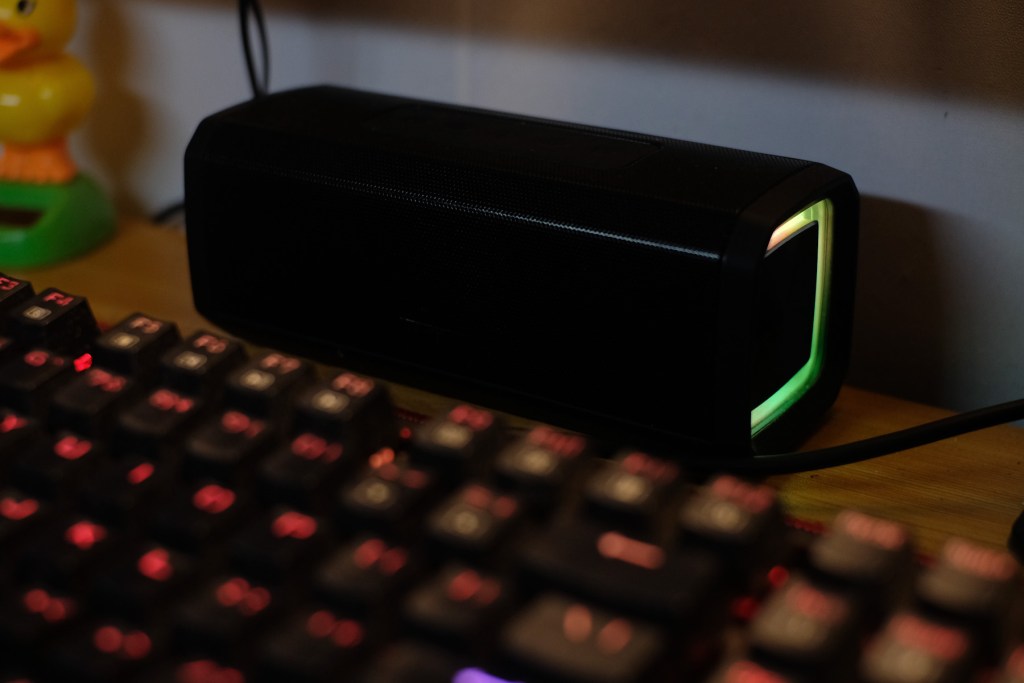
For speakers, I am using the Mitsushi BT02 Bluetooth speaker which can also be connected through a 3.5mm jack to your PC or monitor. It has a good battery life but can also be used plugged in using an android charger. This speaker is compact because it is meant to be portable, but the sound quality is excellent and the minimalist approach with a touch of RGB is a great design choice. You can get this online for around Php 500 only.
Get the headset HERE
Get the speaker HERE
Keyboard and mouse
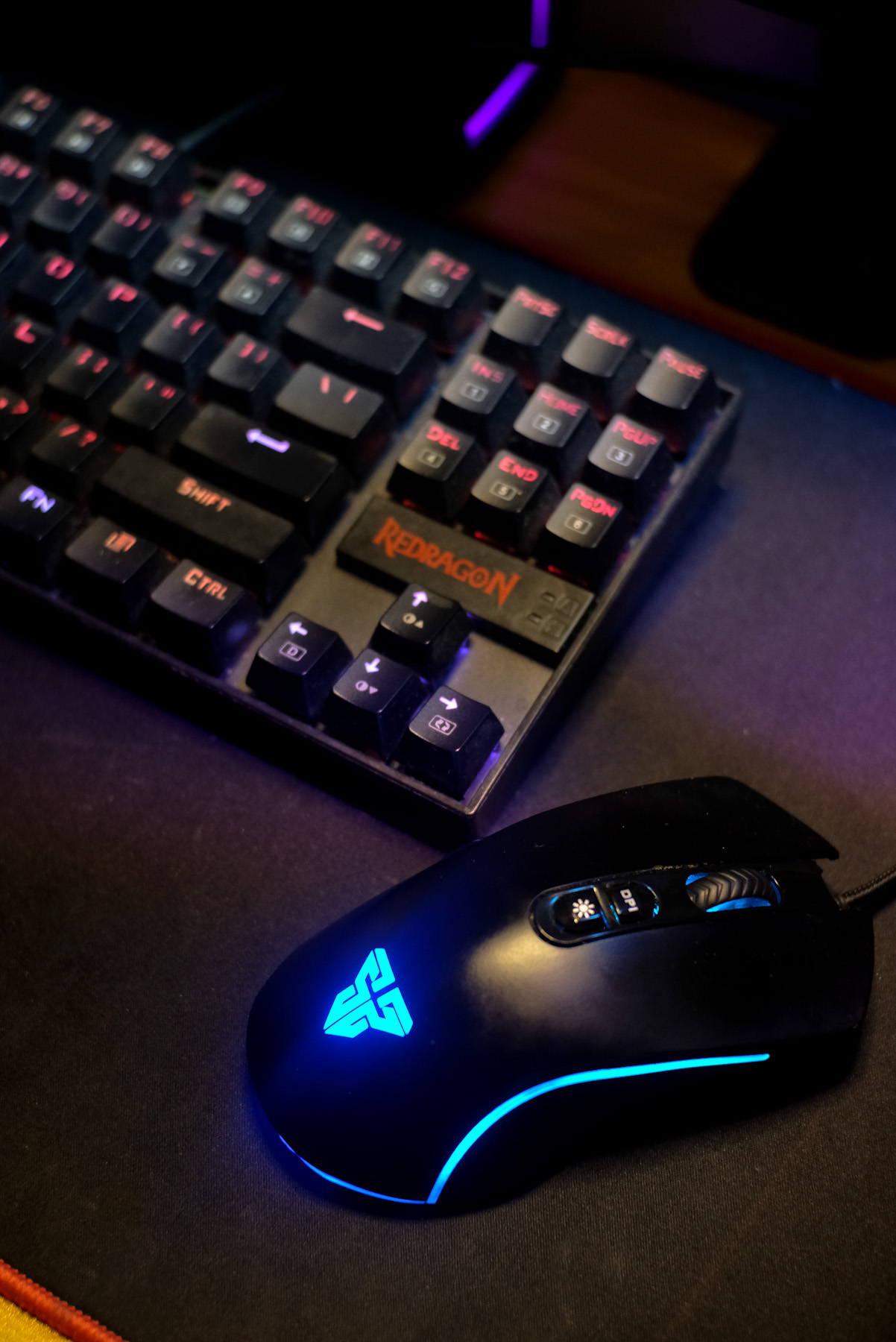
Now for the inputs, the Redgradon Kamura K552 is actually my first mechanical keyboard. I didn’t even know mechanical keyboards even existed until I built my own PC in late 2020. Now I understand why there is a whole community of keyboard lovers/hobbyists. Mechanical keyboards are not only fun to use but they are also highly customizable. For the mouse, I bought a Fantech X16 Thor II wired mouse. It has many good reviews on Lazada and the price was very affordable. Soon I’ll be looking into getting a wireless mouse.
Get the Keyboard HERE
Get the mouse HERE
And then there were lights
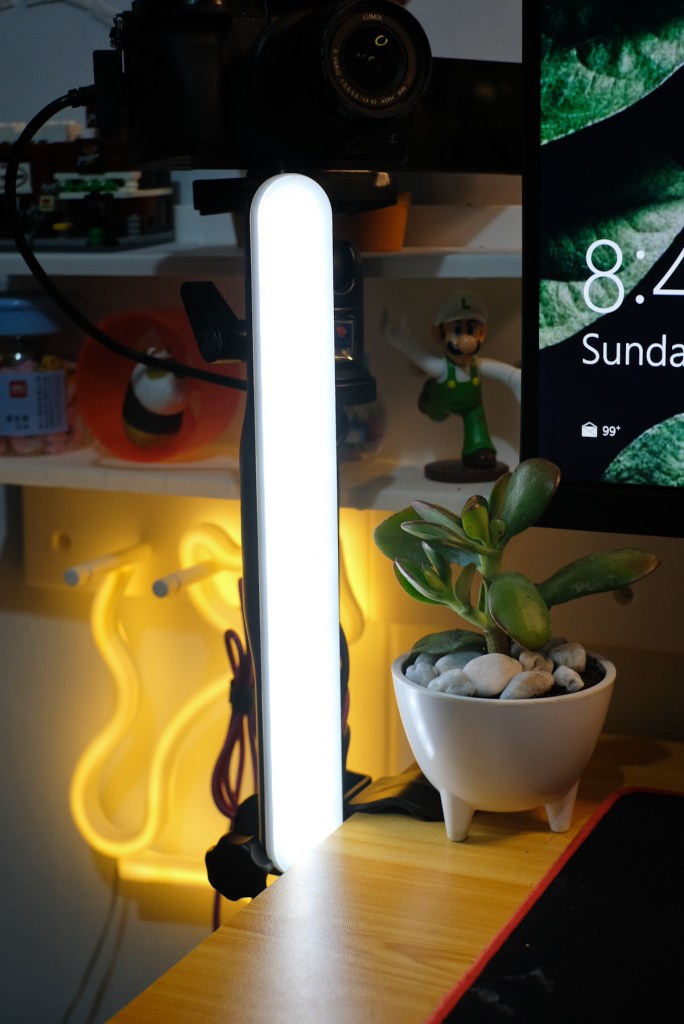

When it comes to photography, light is everything right? The same goes when streaming, lighting can turn a dull, ordinary setup into wonders. Like most of the items here, my lights consist of things that I already have lying around at home. For my main light, I have a USB ring light that I can control the brightness and color balance (white, warm, warmer). It is placed slightly above my monitor to my right to give the light a nice contrast. And for the fill light, we have this LED stick on which you can also control the brightness but not the color balance. It’s placed on my right side under my main camera. I would have loved to own a softbox to further diffuse my light, but I just don’t have the real estate for it at the moment.


To make my background a little more lively, my wife bought me this rainbow light that cast a… well, a rainbow light on the wall behind me. I also added an LED flamingo light just for fun. For future improvement, I am looking into adding an additional LED light for my RIM light so that I can further separate myself from the background.
Get the ring light HERE
Get the led light HERE
Get the rainbow light HERE
Monitoring device aka cellphone
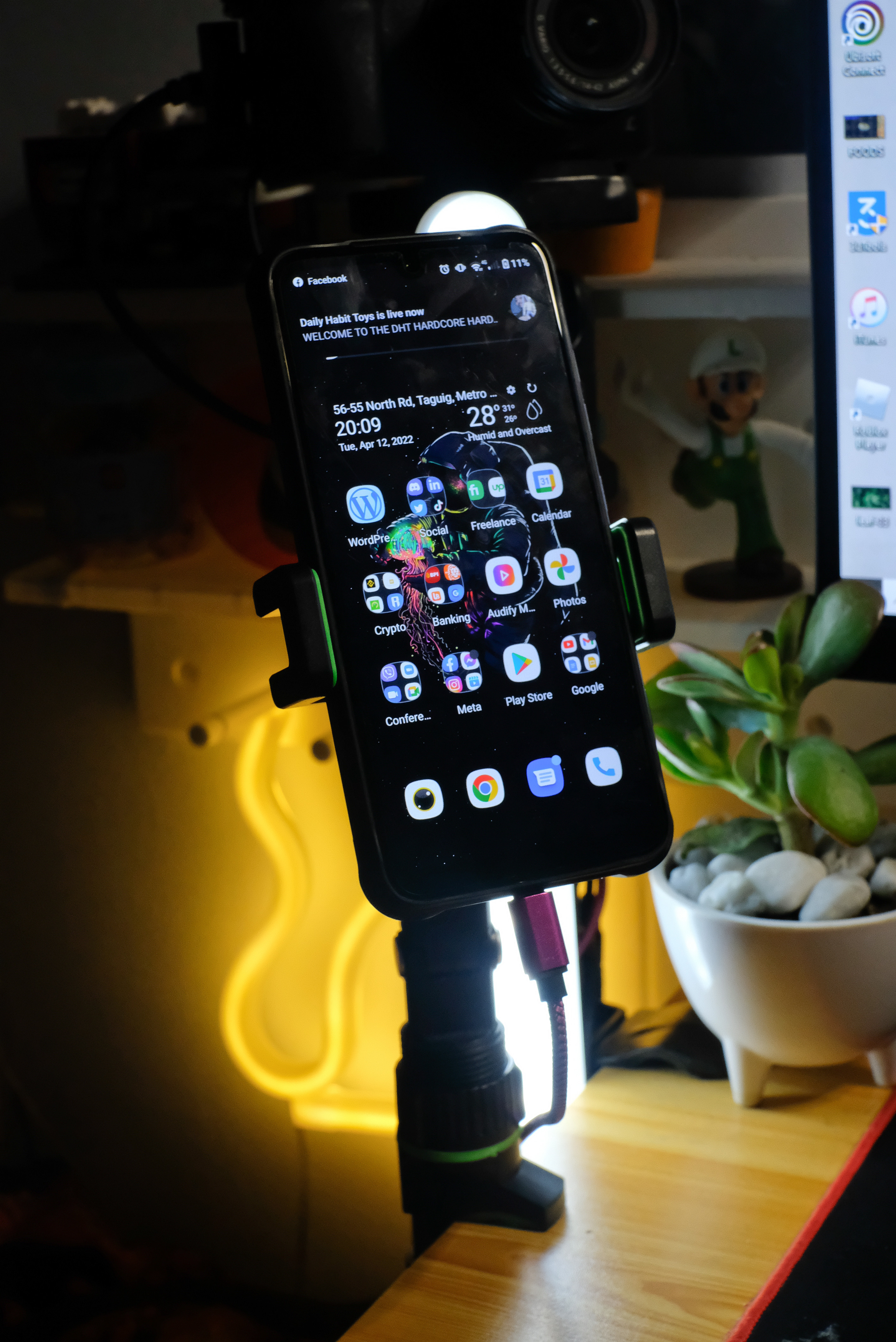
Ok, one of the possible downsides of an ultrawide monitor is monitoring your stream. For this, it would be ideal to have 2 separate monitors. So for monitoring, I’m using my cellphone. It is still a pretty efficient method if you ask me. And of course, as cheap as I am, I am again using an affordable smartphone – the Umudigi Bison. It’s a rugged phone that boasts a 16GB memory and 256 storage for only Php 6,500. Again, the phone is mounted on a clamp to maximize my desk’s real estate.
Get the phone HERE
Get the phone holder HERE
So you might be thinking, where is the most important gear of all!?!?! Yes my computer, for that, I actually did a vlog whispering the parts, costs, and how I built my PC for productivity, multimedia, gaming, and streaming. You can watch it HERE.
As always, thank you for reading and visiting my website. Don’t forget to follow me on my socials so that you’ll be updated whenever I post something new. Again, thank you and Adios!

 King
King 